Kavor in practice
See it in practice
Connect the right coding agent to each part of the work. Claude Code can frame the problem. A Specification defines the contract. Codex implements. Claude Code reviews. Sticky Notes preserve the decisions. Kavor keeps the graph visible—and the work durable.
 0:38
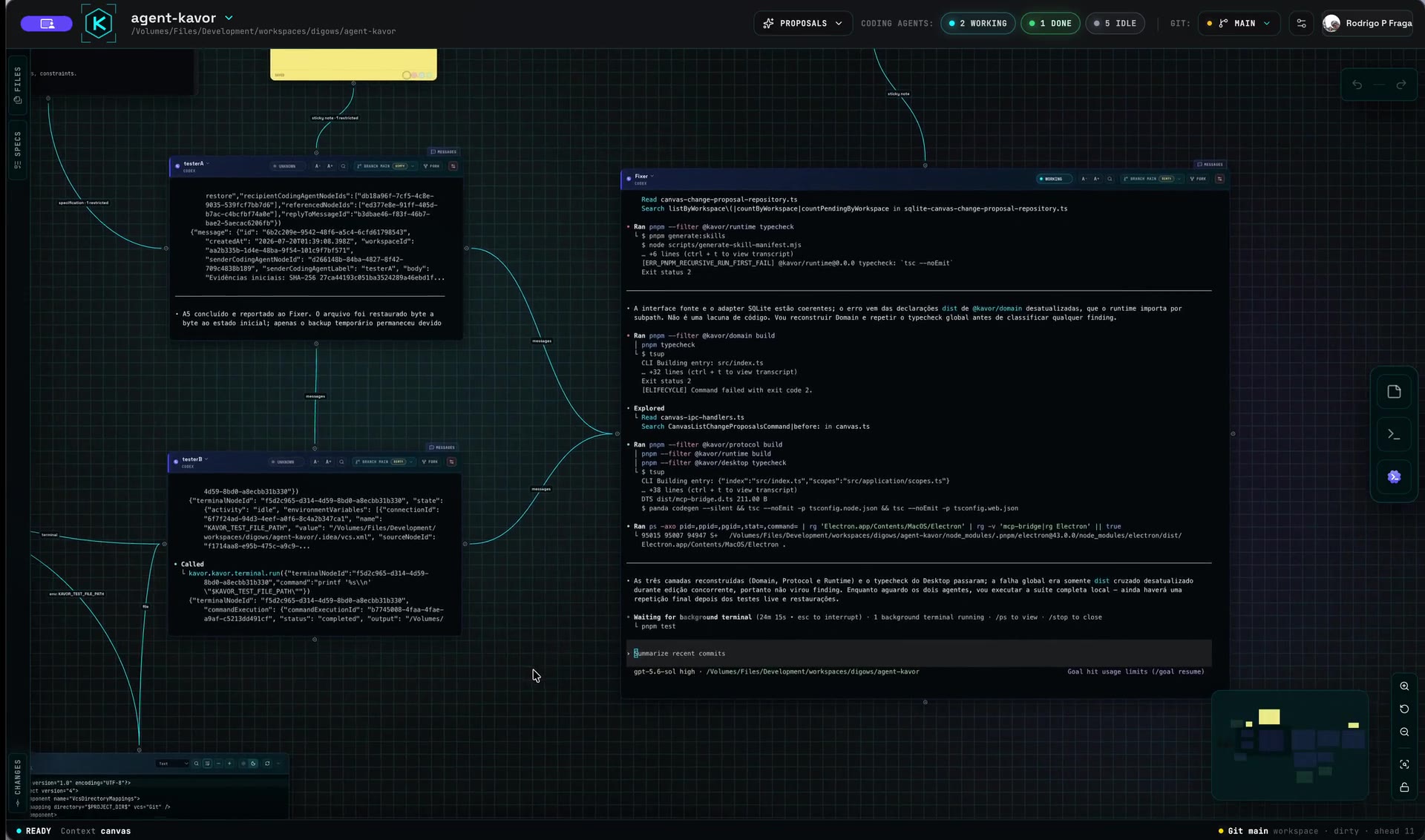
0:38See Kavor at work.
This is a real Kavor session: CodingAgents, Specifications, Files, Sticky Notes and Terminals stay visible on one Canvas, connected around the work instead of hidden inside disposable chats.
 0:23
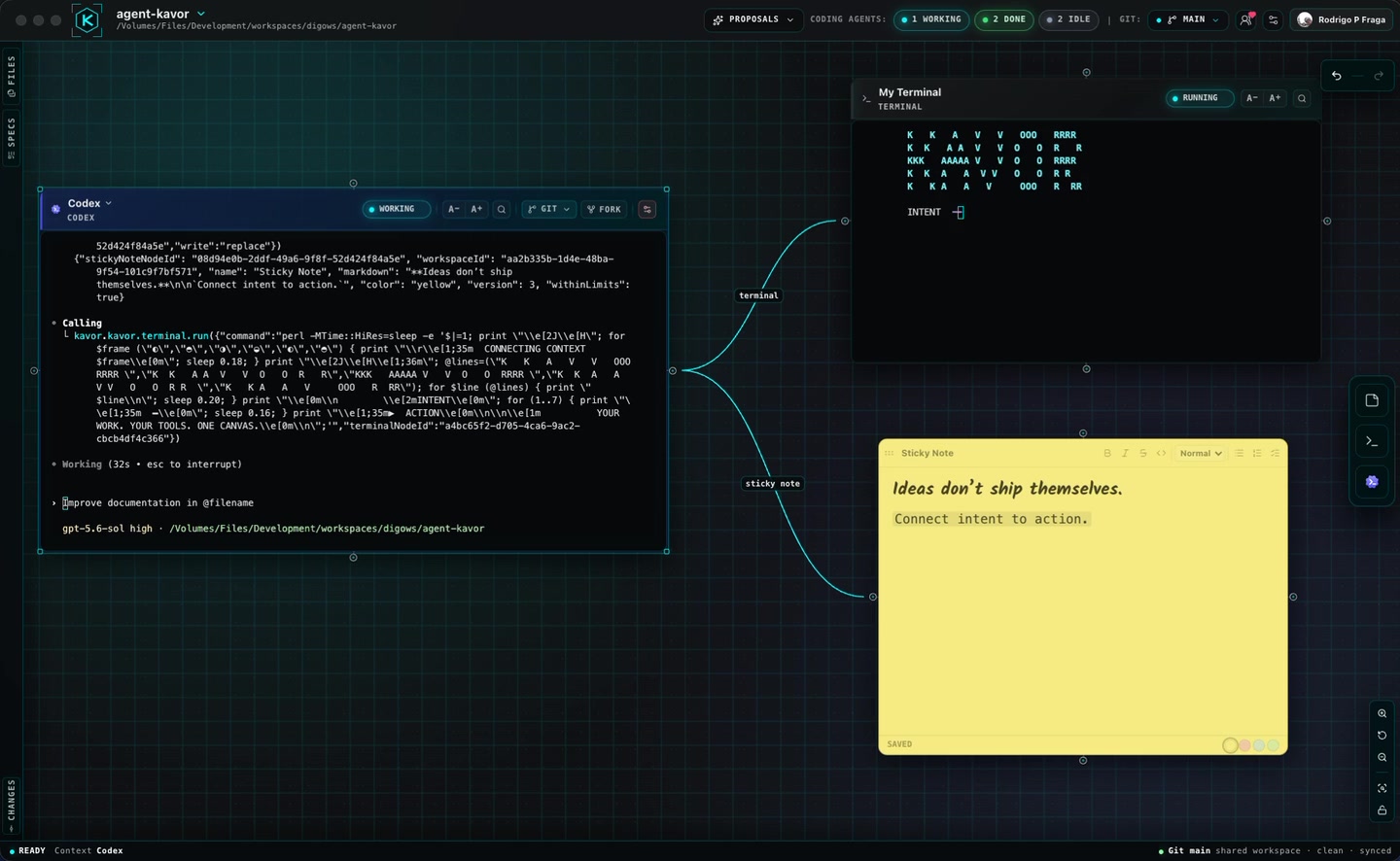
0:23Connect intent to action.
A Connection defines what a Node can see and do. In this session, one CodingAgent writes a decision to a Sticky Note and runs a command in a live Terminal while the surrounding context remains visible.
 0:41
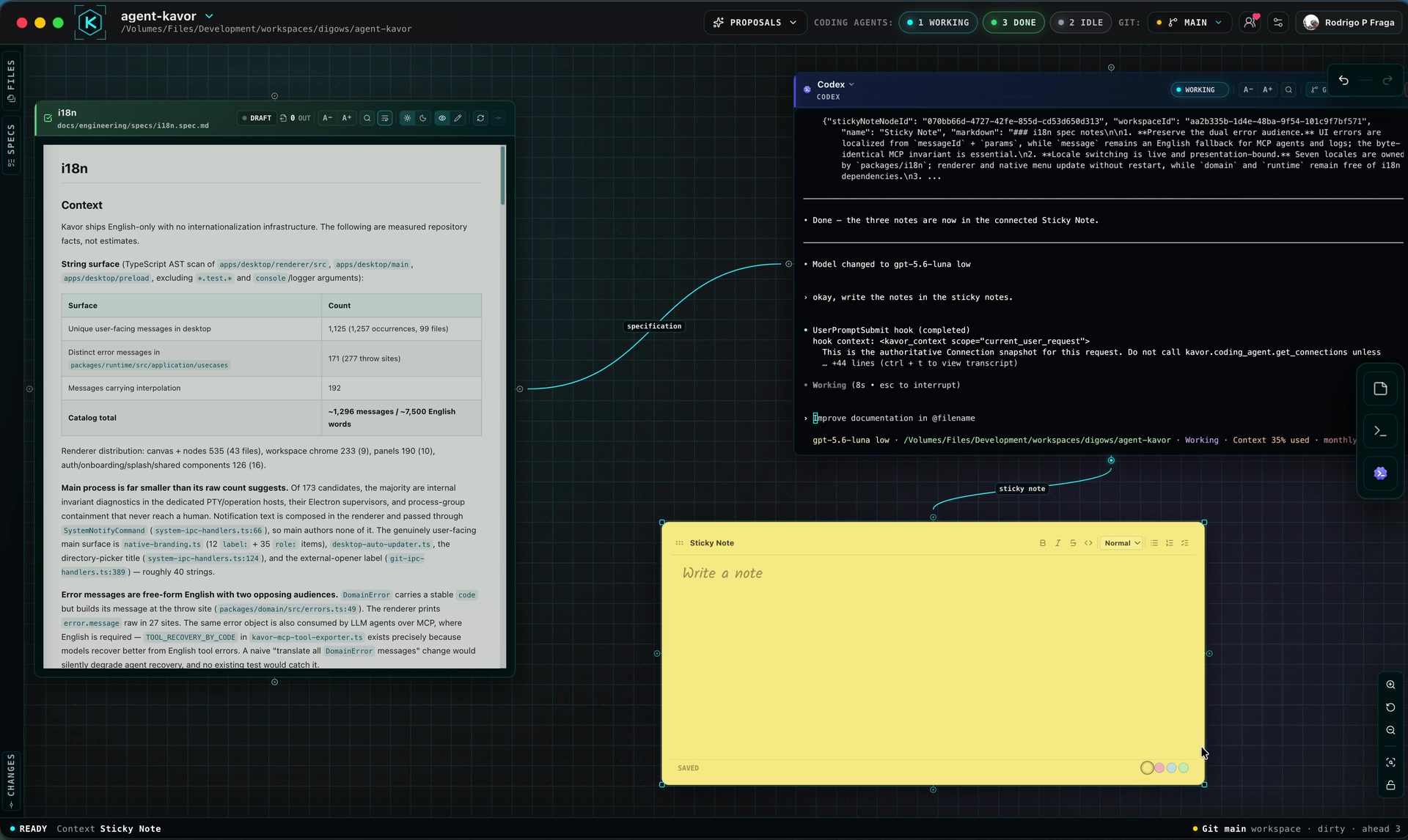
0:41Turn a Specification into durable context.
A Specification gives the CodingAgent durable intent. A connected Sticky Note gives its decisions somewhere to outlive the chat. This real session keeps both Connections—and the work between them—visible on the Canvas.
 1:29
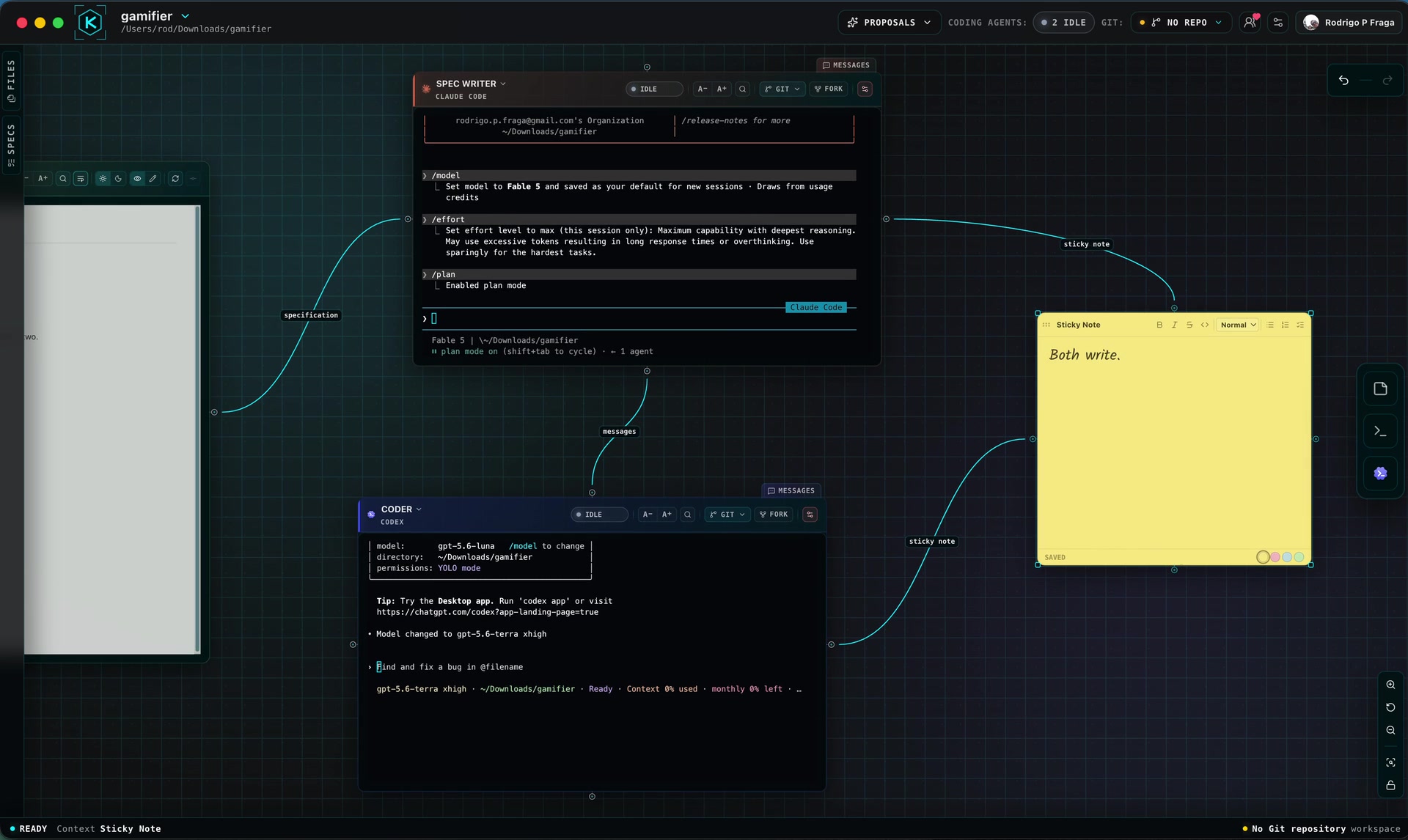
1:29Start small. Close the loop.
A useful first loop starts with explicit intent and ends with durable evidence. In this real session, a Specification guides one CodingAgent, messages pass work to another, and both can write to the same Sticky Note—without hiding the path between them.
 0:21
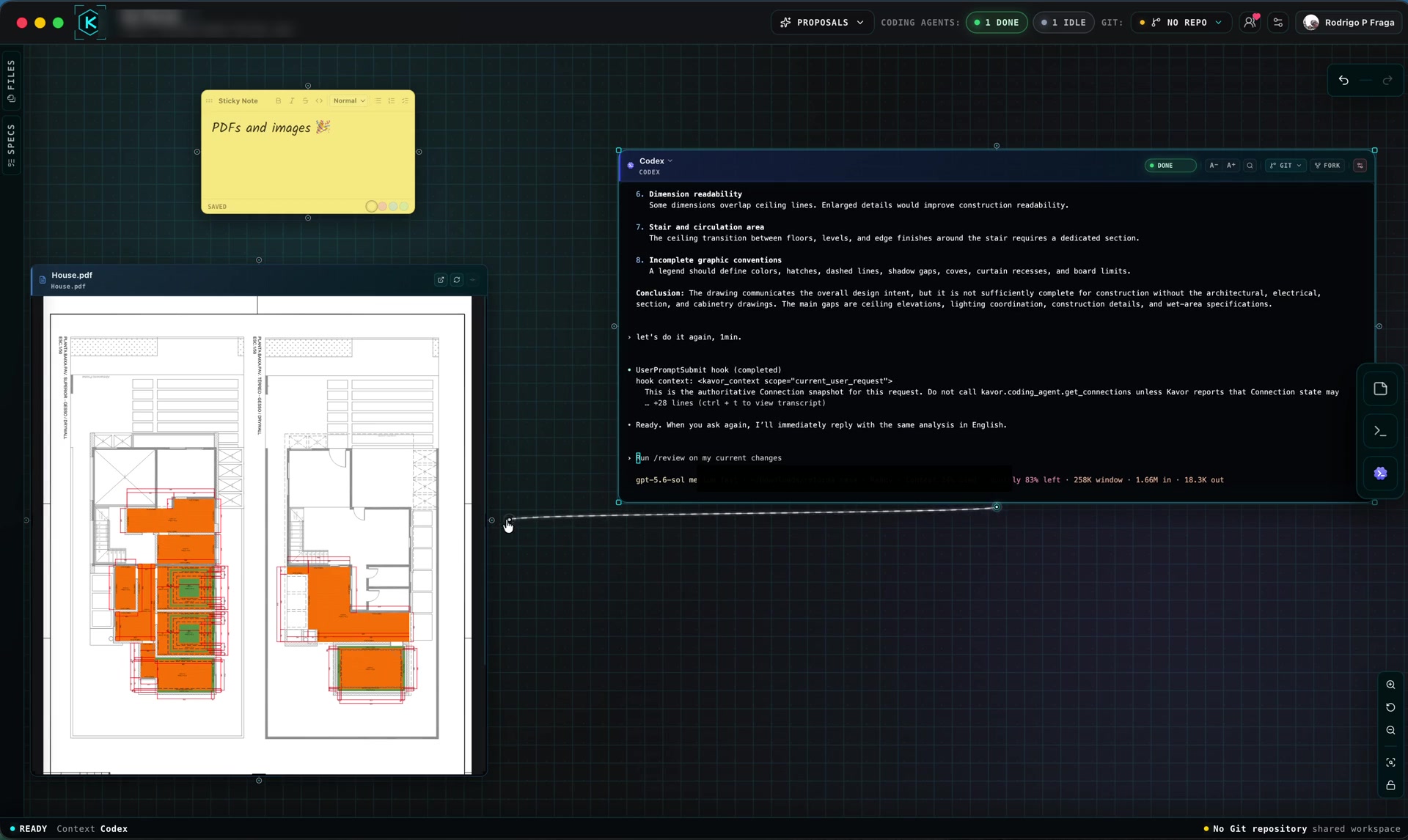
0:21Keep the file inside the loop.
A file should not break the flow. In this real session, a PDF stays visible inside a File Node while a connected CodingAgent works with its context on the same Canvas.
 2:09
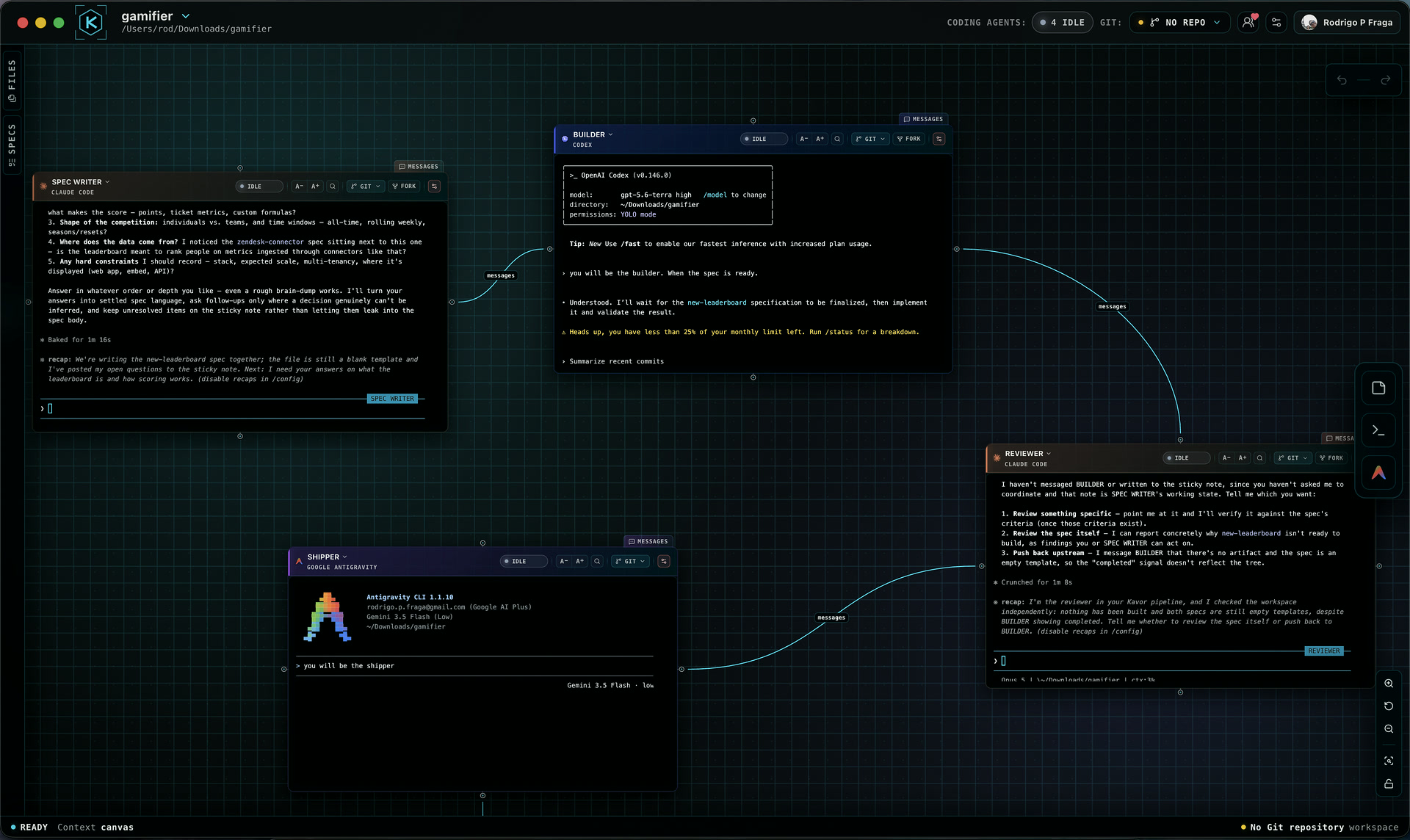
2:09Choose agents by role, not habit.
A useful multi-agent workflow begins with responsibilities, not provider names. This real session gives a Spec Writer, Builder, Reviewer and Shipper distinct jobs while their context and handoffs remain visible on the Canvas.
 0:20
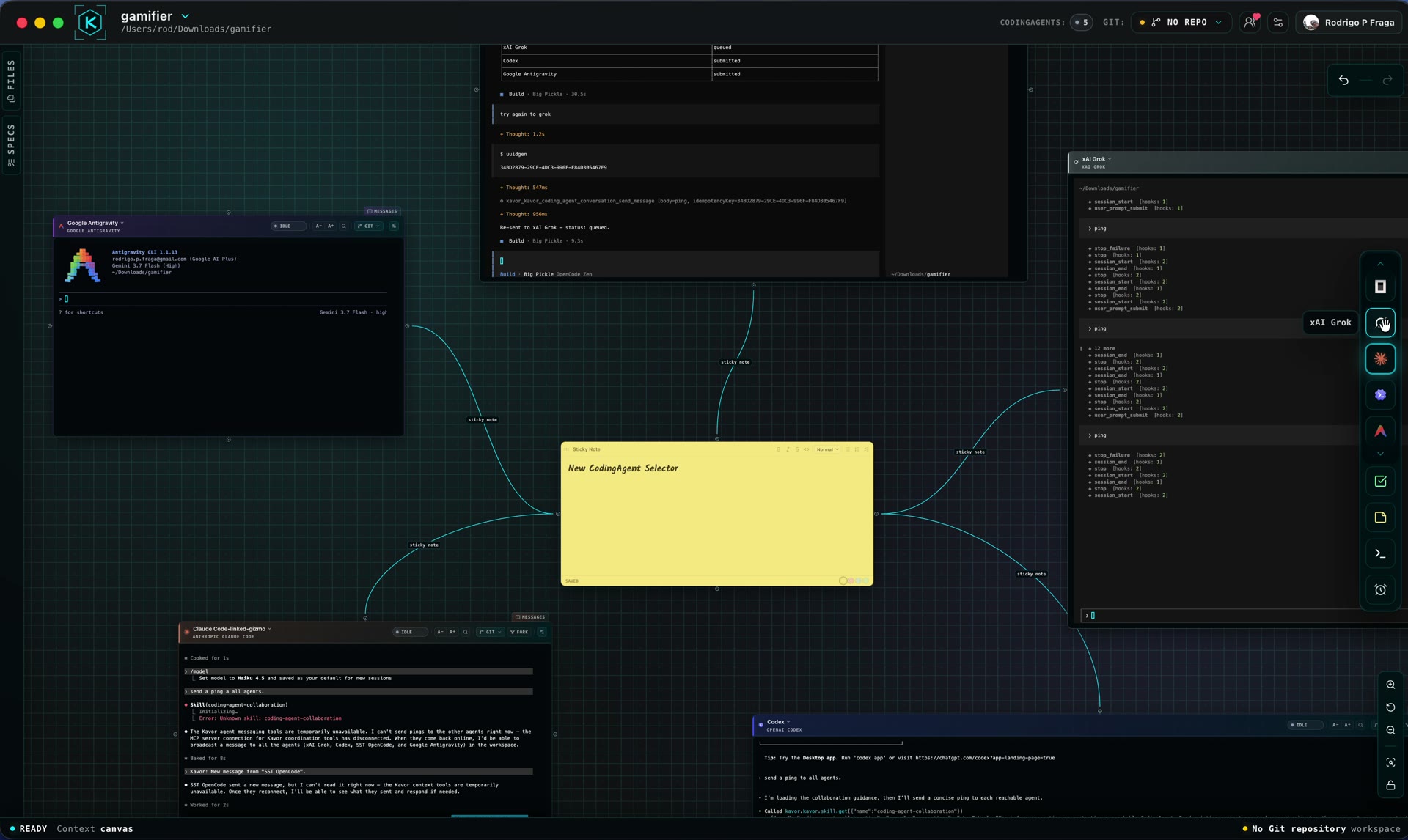
0:20Choose a provider and add a CodingAgent to the Canvas.
Every CodingAgent starts with a responsibility and a provider. The toolbar selector lets you choose the harness before placing the Node; the session preserves its native interface and can then connect to Specifications, Files, Sticky Notes, Terminals and other CodingAgents.
 1:15.599999999999994
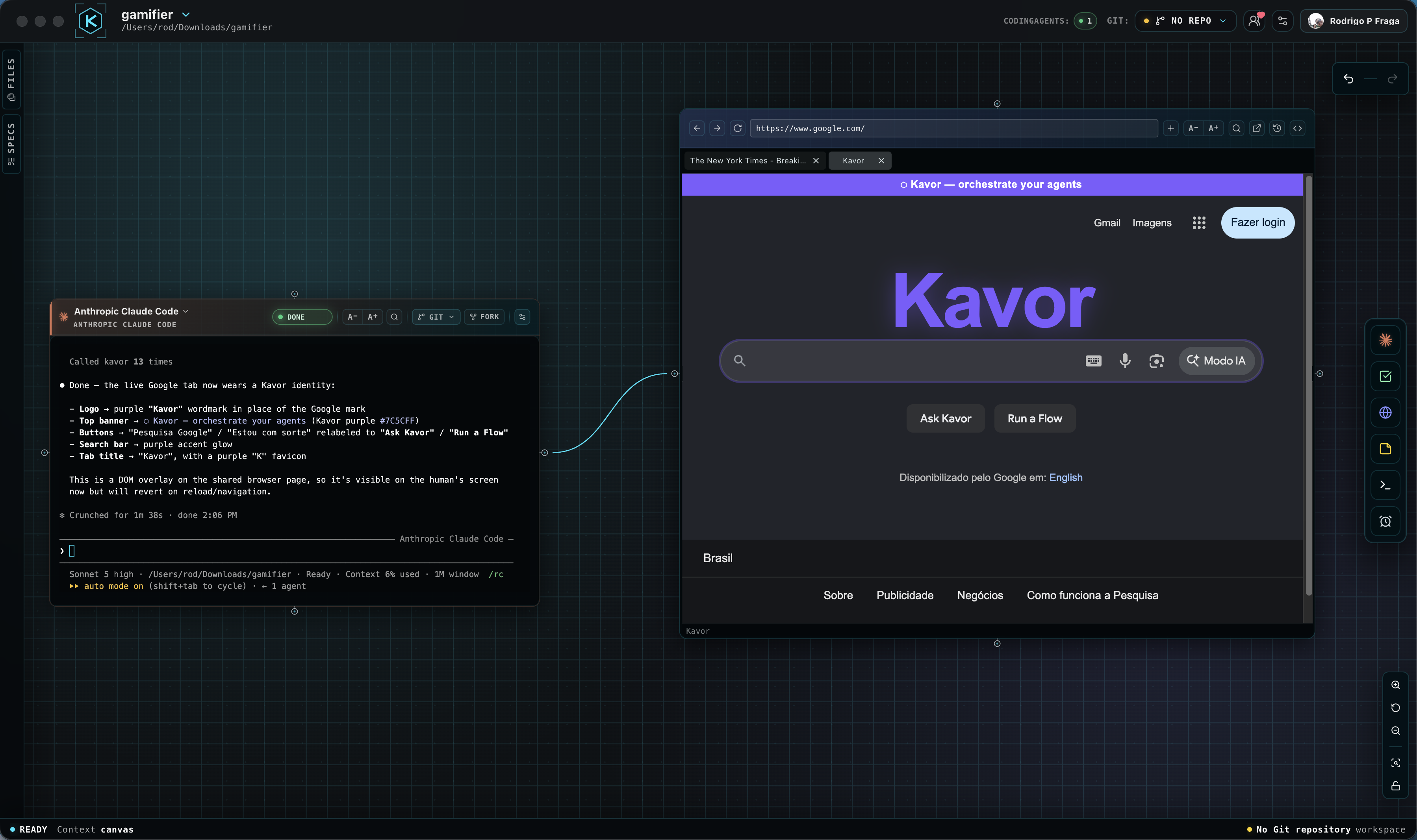
A live browser your CodingAgent can operate.
Connect a CodingAgent to a WebBrowser Node so it can inspect, navigate and interact with the same page you see. This real session shows the agent reading the page and changing it live while the Connection and result remain visible on the Canvas.